ZRSoftware.Cloud
ZRSoftware.Cloud is the new generation of ZR Software, the meter-reading program for energy meters. It runs as a service on your own Windows PC and you use it in the browser. It is for utilities, industrial sites and service companies that read electricity meters locally, through an optical probe, RS-485 or the network, and keep the data on their own premises.
From the meter to the report, on your own PC
Meters and connections
Reads IEC 62056-21 meters (EMH, Iskra, Landis+Gyr) and DLMS/COSEM meters (Itron, Iskra, Landis+Gyr, Cewe) through an optical probe, RS-485 or a serial-to-Ethernet gateway over TCP. It also works with the REDZ Bluetooth optical probe. It only reads: it never writes to a meter.
Reading on demand or on schedule
Read a meter with one click and follow the line log live, or let schedules read meters by month, day, hour and minute. A missed month is caught up, and each connection keeps its own queue so lines never collide.
Load profiles and analysis
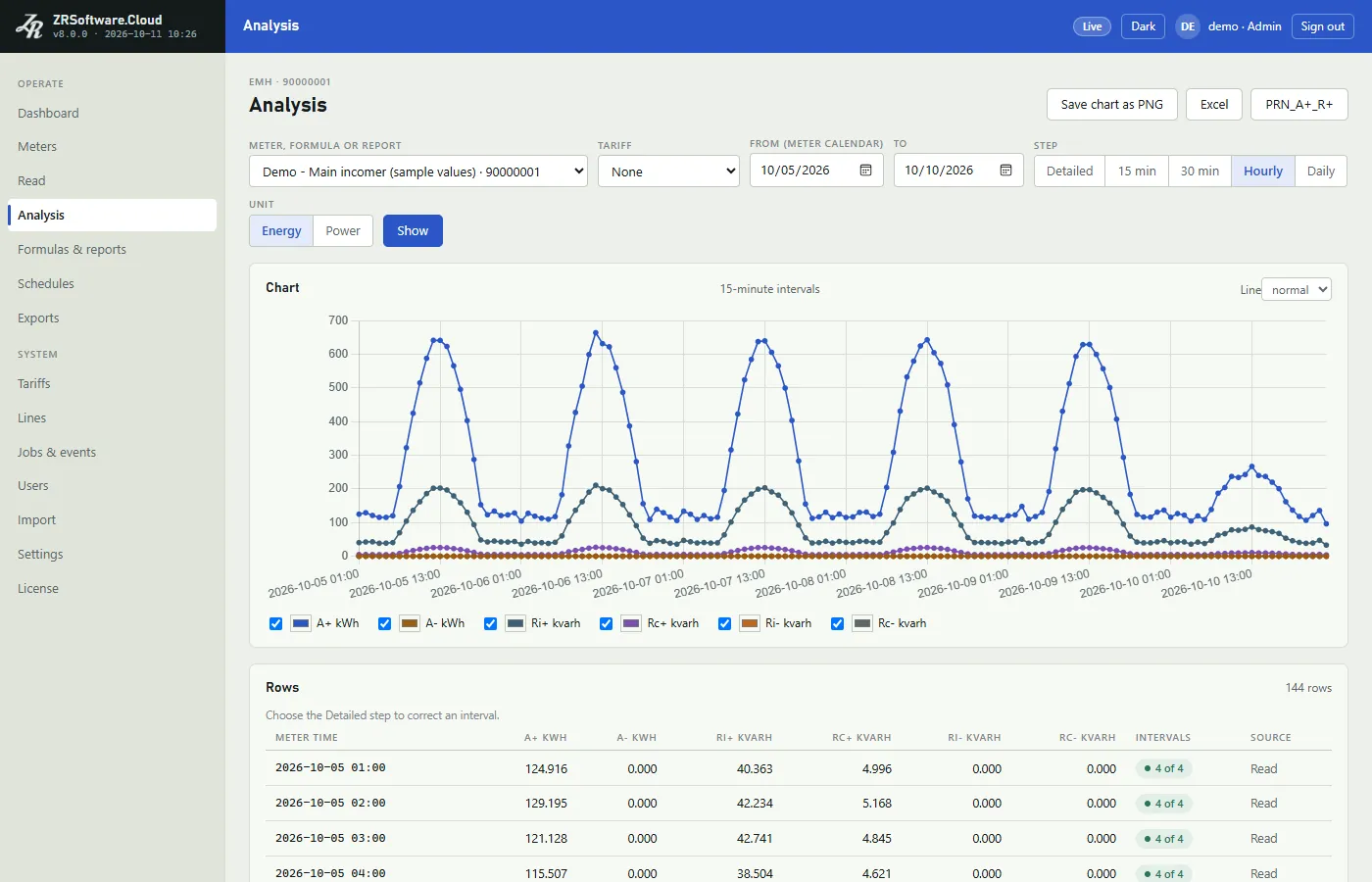
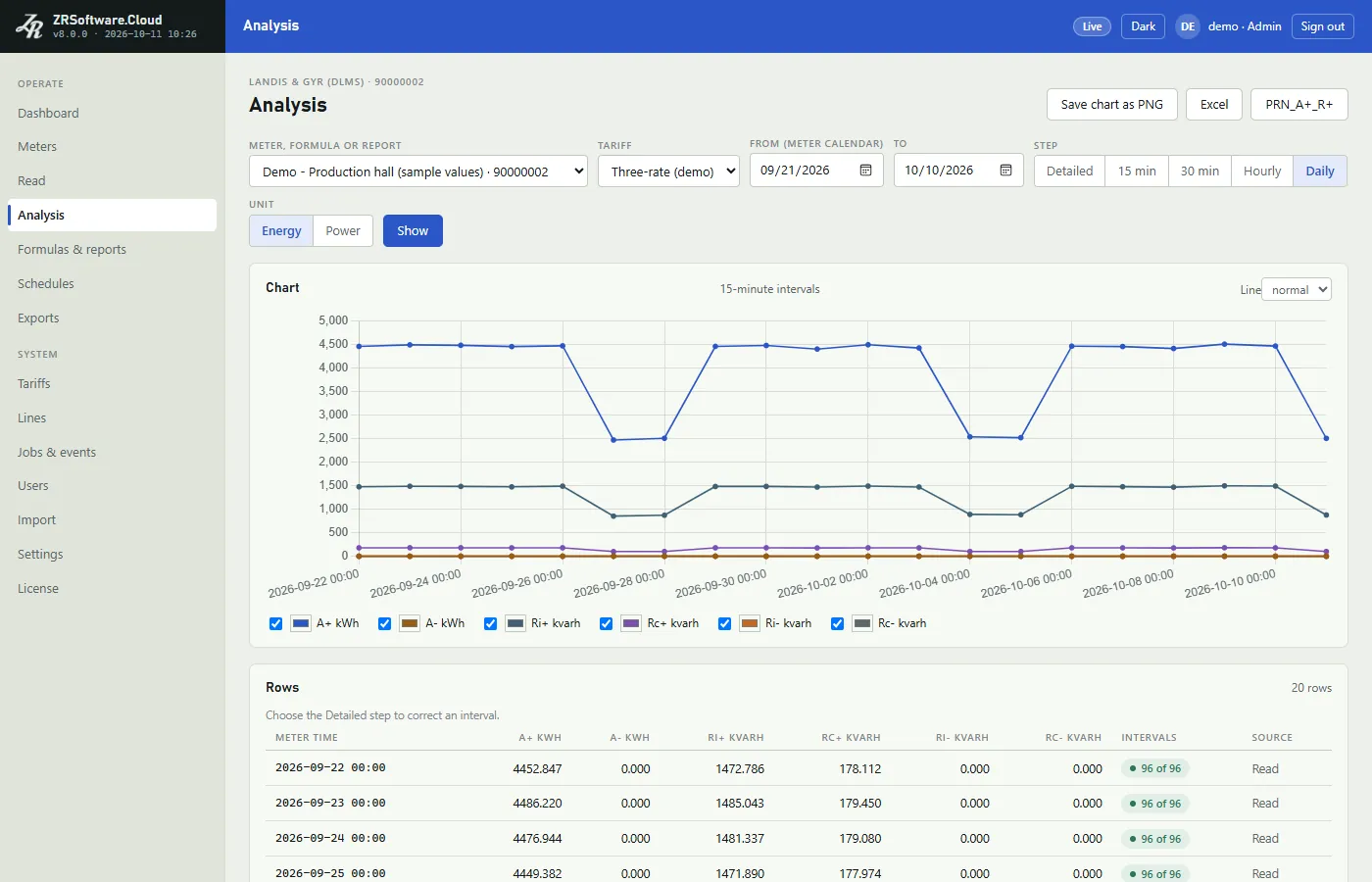
Load profiles are read in the meter's own calendar and shown as tables and charts by 15 minutes, 30 minutes, hour or day, with active and reactive energy and reactive ratios. Values can be corrected by hand, and every correction is kept with the name of the user who made it.
Tariffs, formulas and reports
Define multi-rate tariffs by time of day and day type, build virtual meters with formulas over several meters, and put the channels you need into your own reports.
Exports and e-mail
Export to Excel (xlsx) and the PRN_A+_R+ format. Automatic exports run on their own schedule and save the file to a folder or send it by e-mail.
Users and roles
Each person signs in with their own account as Admin, Operator or Viewer, and a Viewer cannot change anything.
Move over from ZR Software 7
Installs next to ZR Software 7 and imports its database (meters, readings, tariffs, formulas and reports), along with your existing Excel meter and export lists.
30-day trial and offline licence
Every installation starts with a 30-day trial with all features. A licence is activated offline: send the request code (text or QR) to your partner and load the licence file you get back. When a licence or trial ends, your data stays readable.
No internet needed, installed by partners
Everything runs on site with no internet connection: no cloud account, no online activation and no external web resources. Partners install it with a single setup program, and updates keep the database with an automatic backup.
Runs on 64-bit Windows 10 (1607 or later) or Windows Server 2012 or later.
A first look
Screens of the version 8 development build, with sample values. They will be replaced by the released version's screens.