ZTerminal
ZTerminal in two programs: ZTerminal for Windows on your PC sets up, checks and updates REDZ devices, and the app on your Android device is a serial terminal for USB to serial converters.
ZTerminal for Windows
Setting up, checking and updating REDZ devices: LKM, HUR IO, HUR V-I and BKV.
About ZTerminal for Windows ↓ZTerminal
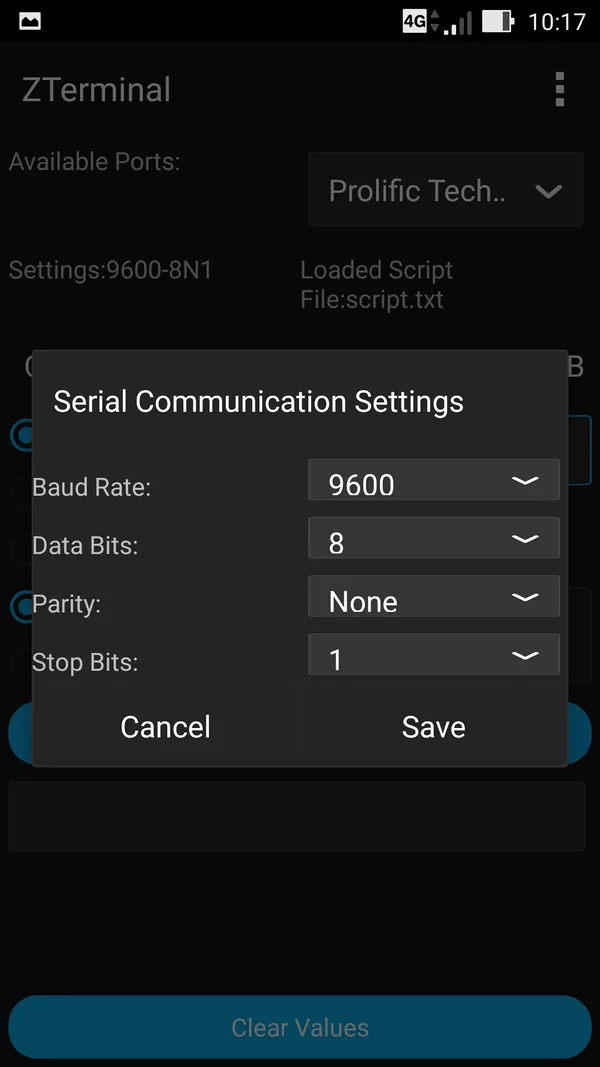
ZTerminal lets you use USB to serial converters based on FTDI and Prolific chips to control devices used in industry, such as modems and PLCs, from an Android device, without an additional PC.
About the app ↓ZTerminal for Windows
ZTerminal for Windows is the Windows program for setting up, checking and updating REDZ devices. It works with the LKM meter reader, the HUR IO modules, the HUR V-I metering module and the BKV wM-Bus module, and it is also a general terminal for serial and TCP links.
What it does
- Overview: reads the identity and the diagnostics of the selected product in one round.
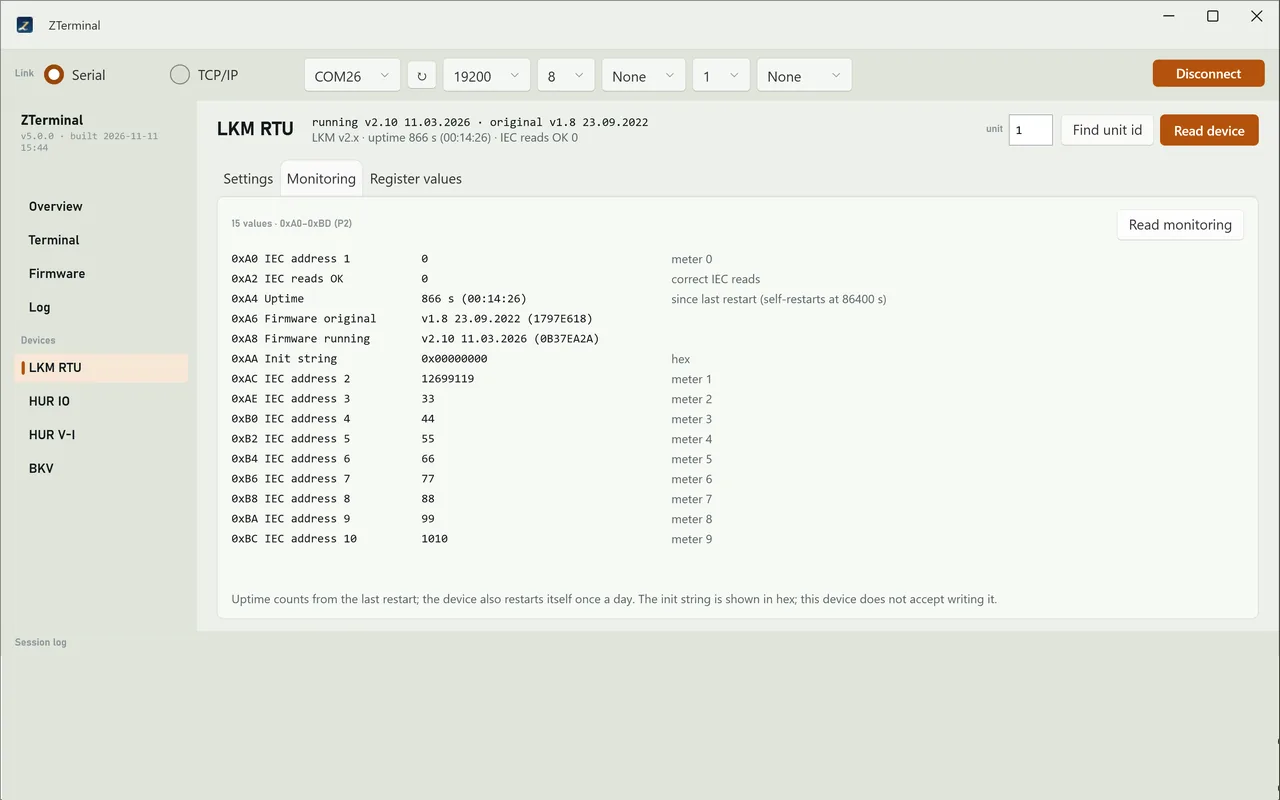
- LKM RTU: settings and the IEC address of each meter, monitoring values and the values read from the meters.
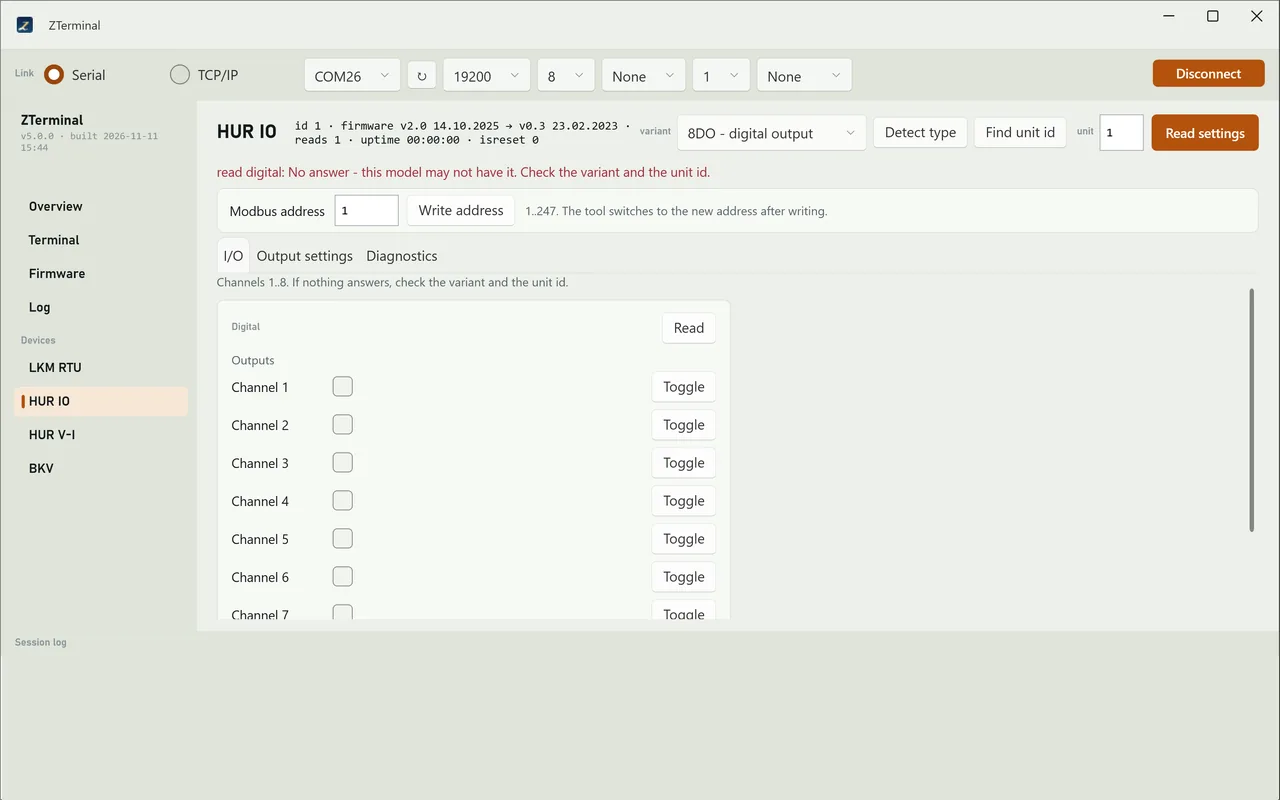
- HUR IO: inputs, outputs and settings of the 8DO, 8DI, 8AI and 5AO modules; Detect type suggests the type.
- HUR V-I: metering with a phase diagram, harmonics, configuration and calibration.
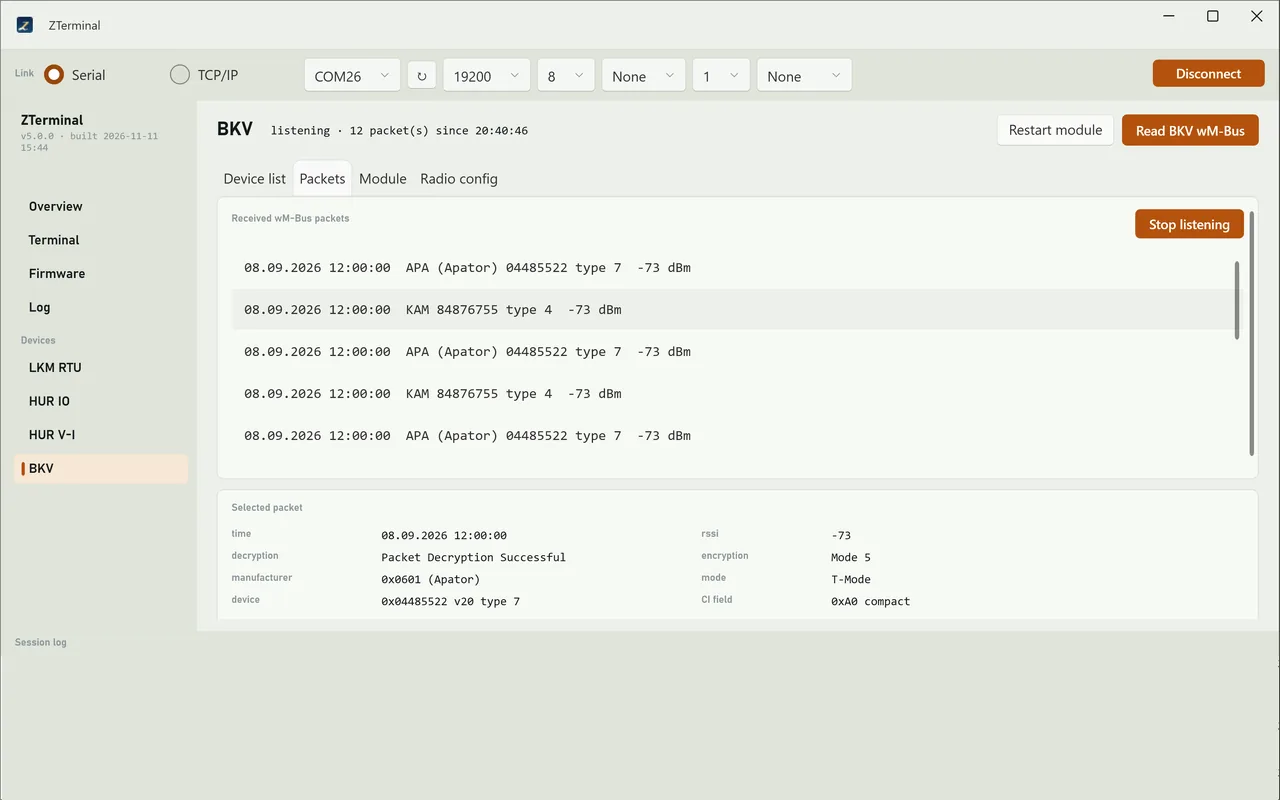
- BKV: radio configuration, the device list with DLF files and received wM-Bus packets.
- Read back after a write: on the LKM RTU and HUR IO pages, ZTerminal reads the device again and shows what it now holds.
- Terminal: text or hex, once or periodically, from a file, several TCP sockets.
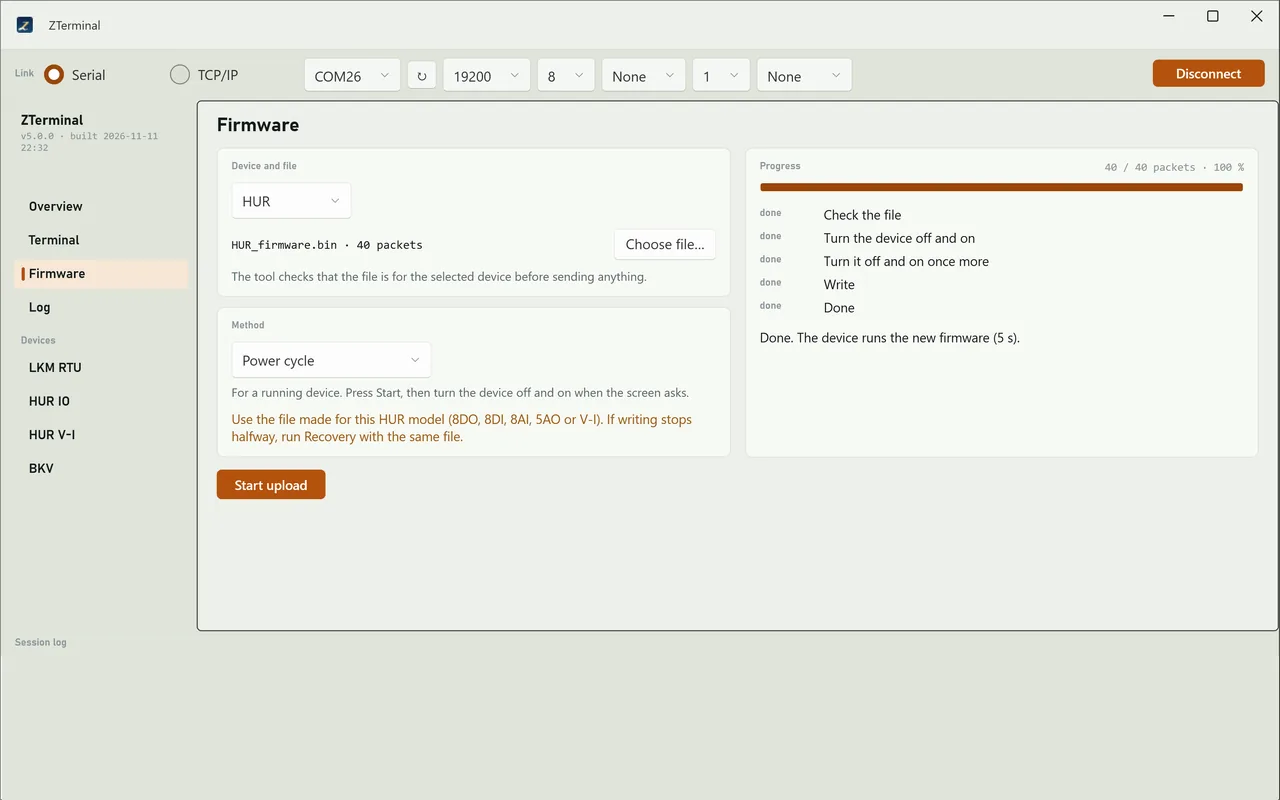
- Firmware update: checks the file before it sends anything; Recovery for a device stuck in update mode.
The program at work
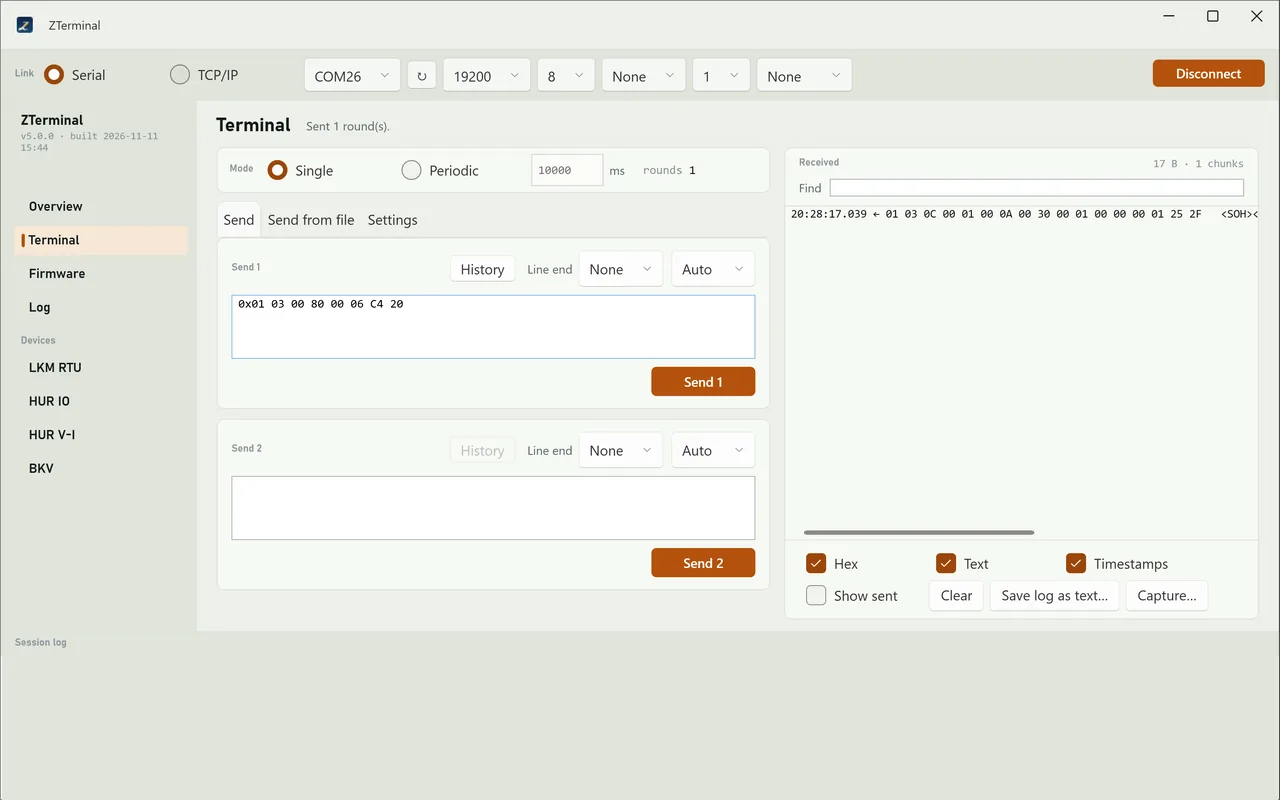
ZTerminal for Windows 5.0.0
ZTerminal for Windows runs on 64-bit (x64) Windows. ZTerminal does not need a separate installation of .NET or of any other runtime: everything it needs is inside its program file. The archive holds a single file, ZTerminal.exe. Unpack it to any folder and start it from there; nothing is installed and nothing is added to the Start menu.
To work with a device you need a way to reach it: a serial port of the PC (a COM port, for example a USB serial adapter) or a network connection to a TCP/IP endpoint.
- File
- ZTerminal-5.0.0-win-x64.zip
- Size
- 62.3 MB
- SHA-256
- 24d8347f35a4a14b273131e8e19de529a23b7e0fa36c044571a539270a9cd7f8
ZTerminal
ZTerminal lets you use USB to serial converters based on FTDI and Prolific chips to control devices used in industry, such as modems and PLCs, from an Android device, without an additional PC.
Serial commands
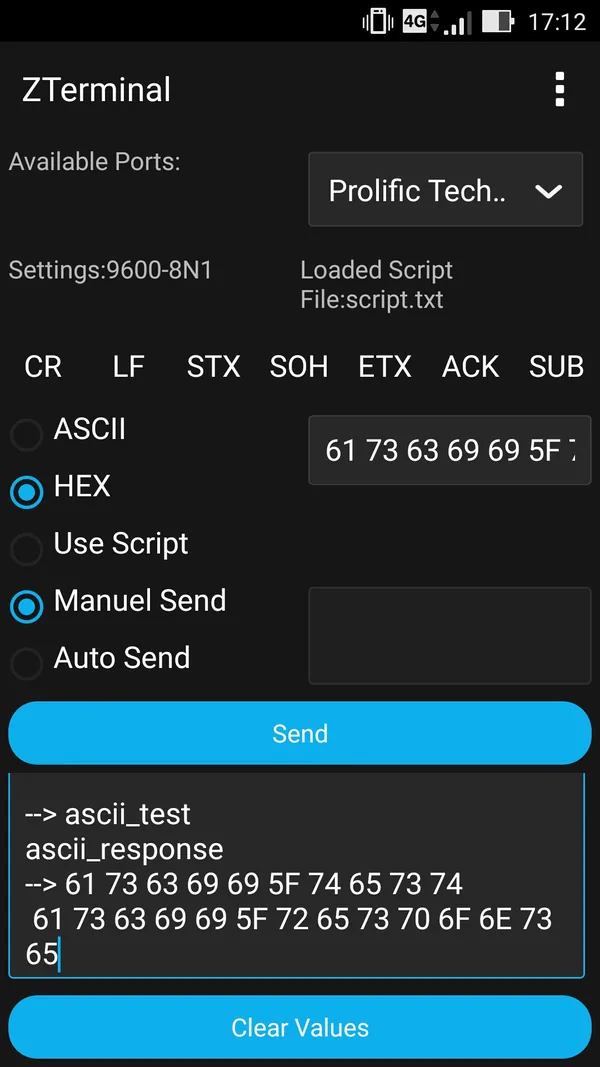
Send serial commands such as AT commands to your devices and analyse the data coming back. The whole communication log can be saved as a text file.
Manual or automatic
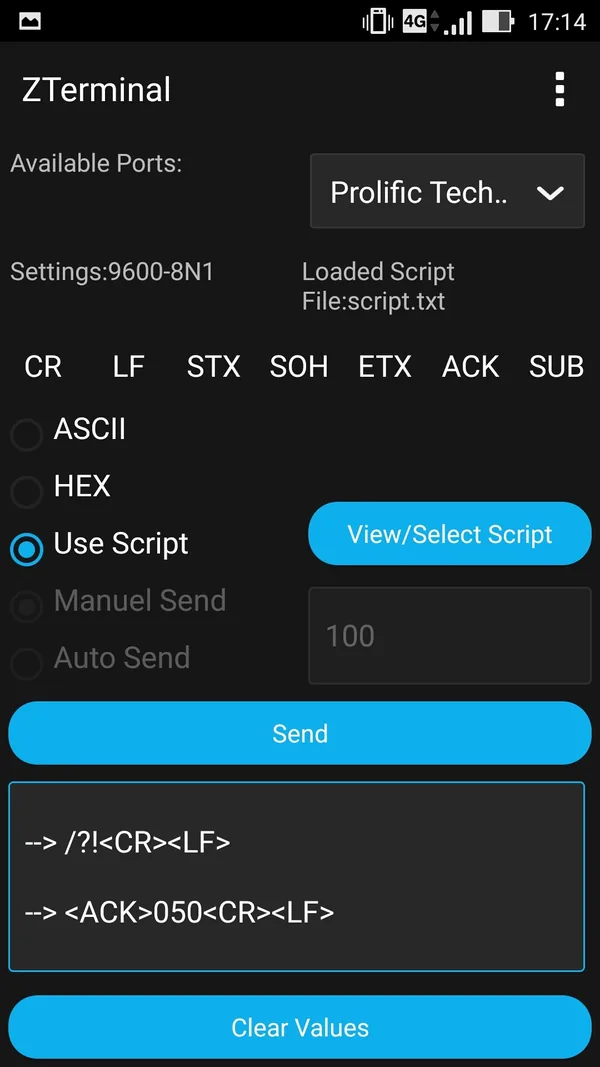
Send commands by hand or automatically, in ASCII or HEX, with shortcuts for the hexadecimal control characters often used in AT commands.
Script files
Run a script text file with the configuration and command lines for a specific application, and put field work in place quickly.