ZRAutomation.Cloud
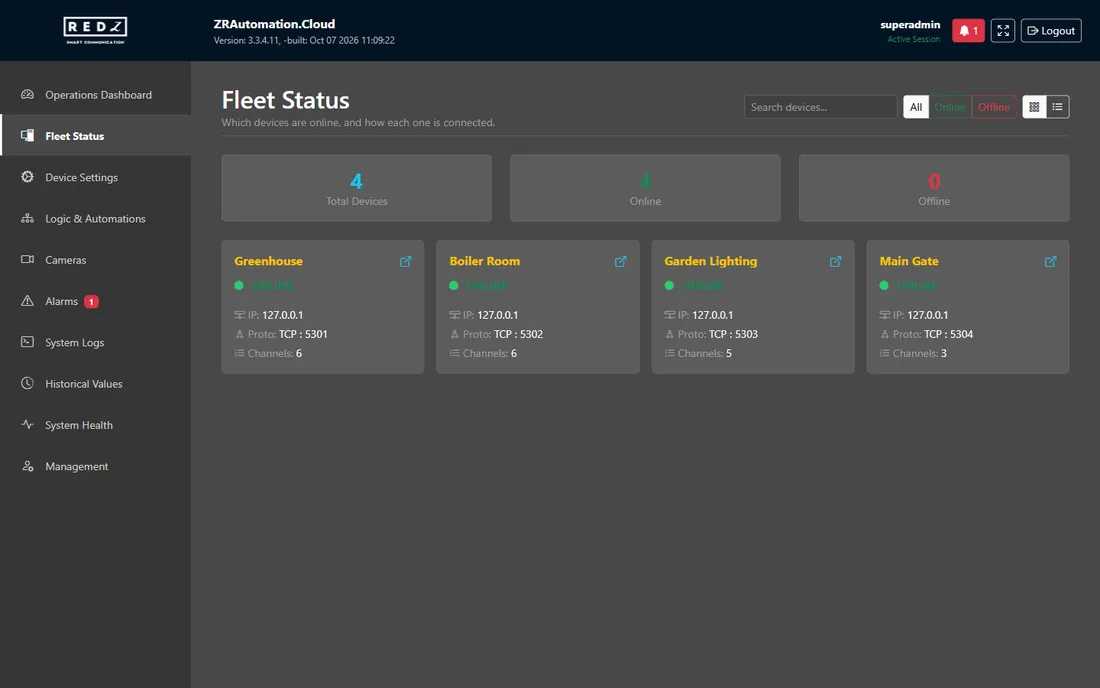
ZRAutomation.Cloud runs on a server at the site, on the site's own network. It reads the site's devices every 3 seconds, shows their values, switches their outputs, keeps their history, raises alarms and runs the site's time blocks and scenarios. It keeps doing all of this whether or not anyone is looking at a screen.
One server at the site, a web screen and a phone
- The site server runs the site. Everything the system does happens there.
- The web screen is opened in a browser on the site's local network, on a computer or on a wall tablet. It is where the site is set up and run.
- The cameras are shown through the site's video recorder; the pictures come through the site.
- Remote access connects the site to REDZ's relay, so that the mobile app can reach it from outside the local network.
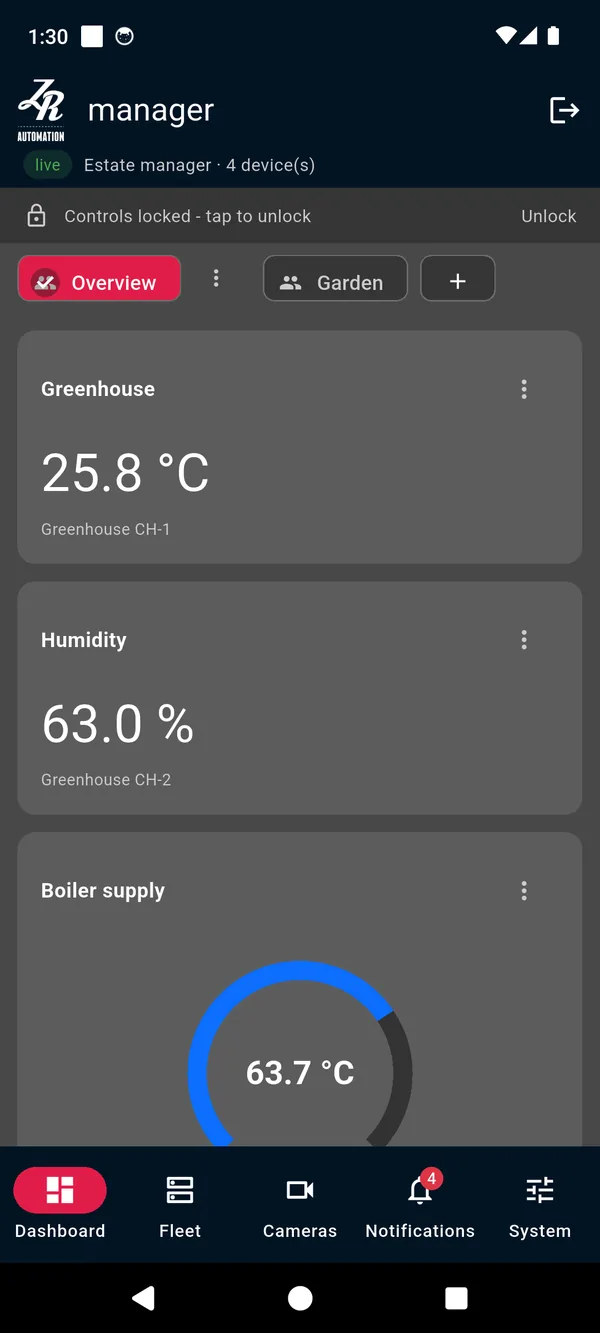
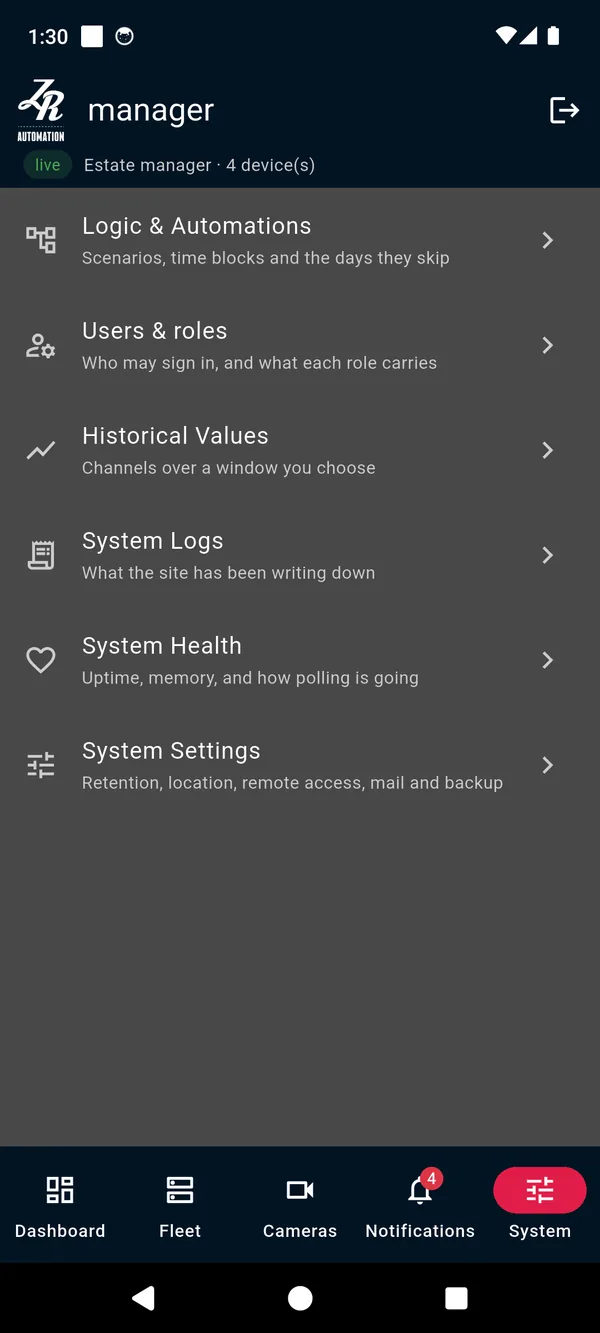
- The mobile app shows the site on a phone, through remote access, and tells the phone about alarms.
The parts of ZRAutomation.Cloud
Devices and channels
The site reads Modbus TCP devices on its network. Each device has channels: the inputs and outputs the site reads and, for outputs, writes.
Dashboards and widgets
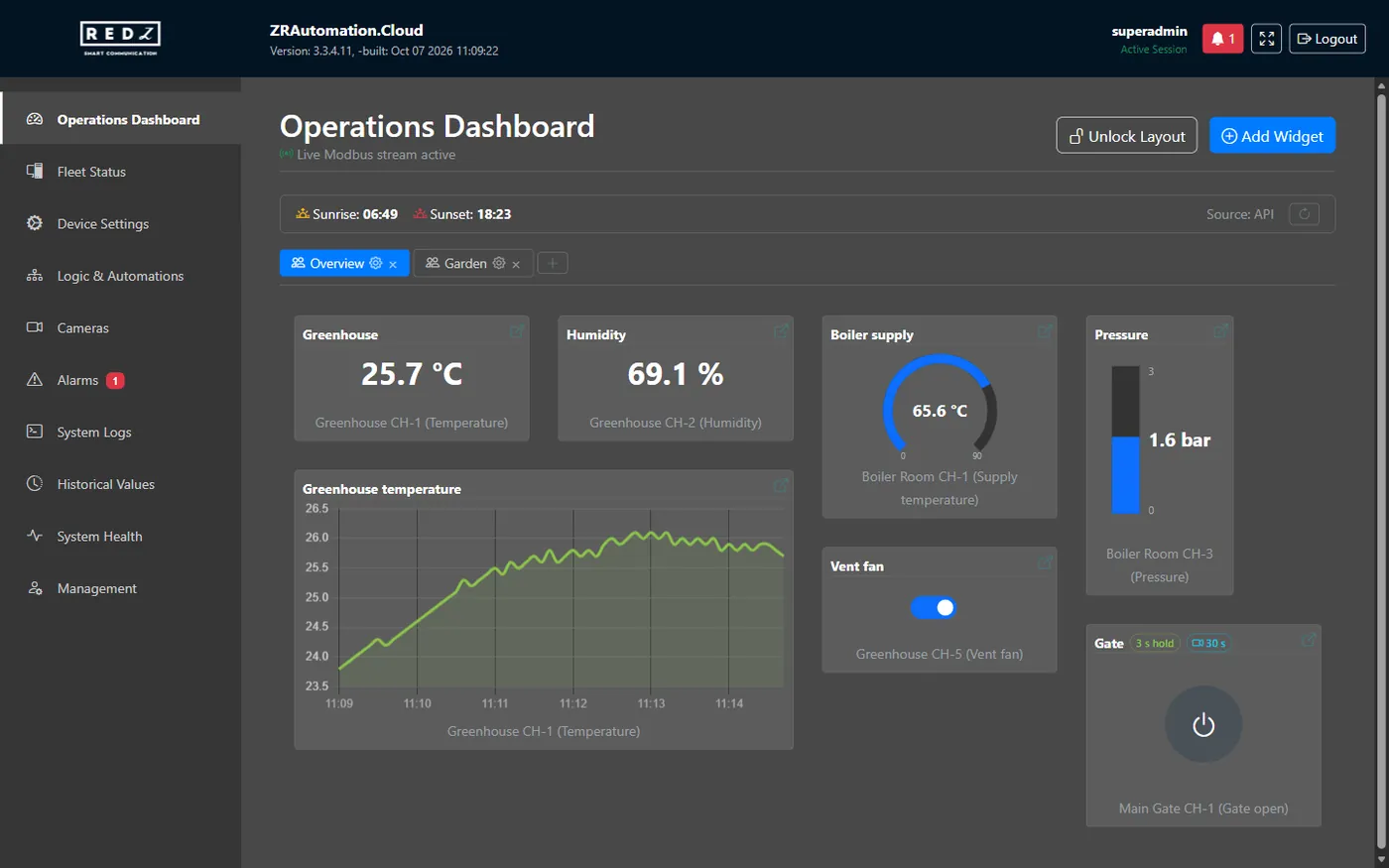
The Operations Dashboard shows live values from your devices as widgets, arranged on one or more pages.
Cameras
The site shows the cameras of its video recorder. The pictures come through the site, so a browser or a phone never connects to the recorder itself.
Alarms
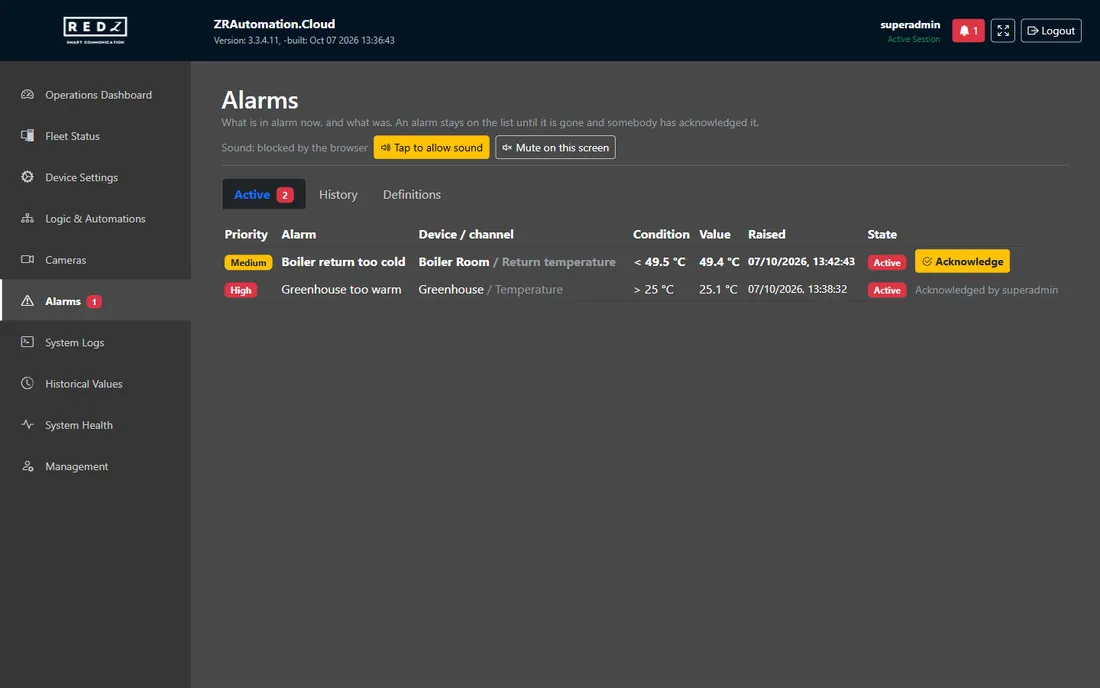
An alarm is raised when a value crosses a limit, when a digital channel is in a given state, or when a device stops answering.
Logic and automations
Time Blocks switch outputs at set times, Scenarios act when a channel reaches a value, and Holidays are the days time blocks can skip.
History, analysis and export
The Historical Values page shows how channels changed over time, as a chart, a summary and a table, and saves the same analysis as an Excel workbook.
Users, roles and permissions
Each account has one role; the role decides which pages, actions and devices the account has.
System logs, health and settings
Three places look after the site itself: the System Logs page, the System Health page and the System Settings tab of the Management page.
Installation and updates
ZRAutomation.Cloud is installed on the site server by REDZ or by a person REDZ has authorised.
The site in your pocket
Remote access lets the mobile app reach the site from outside its local network, through REDZ's relay. The site connects out to the relay, so no port has to be opened on the site's router.
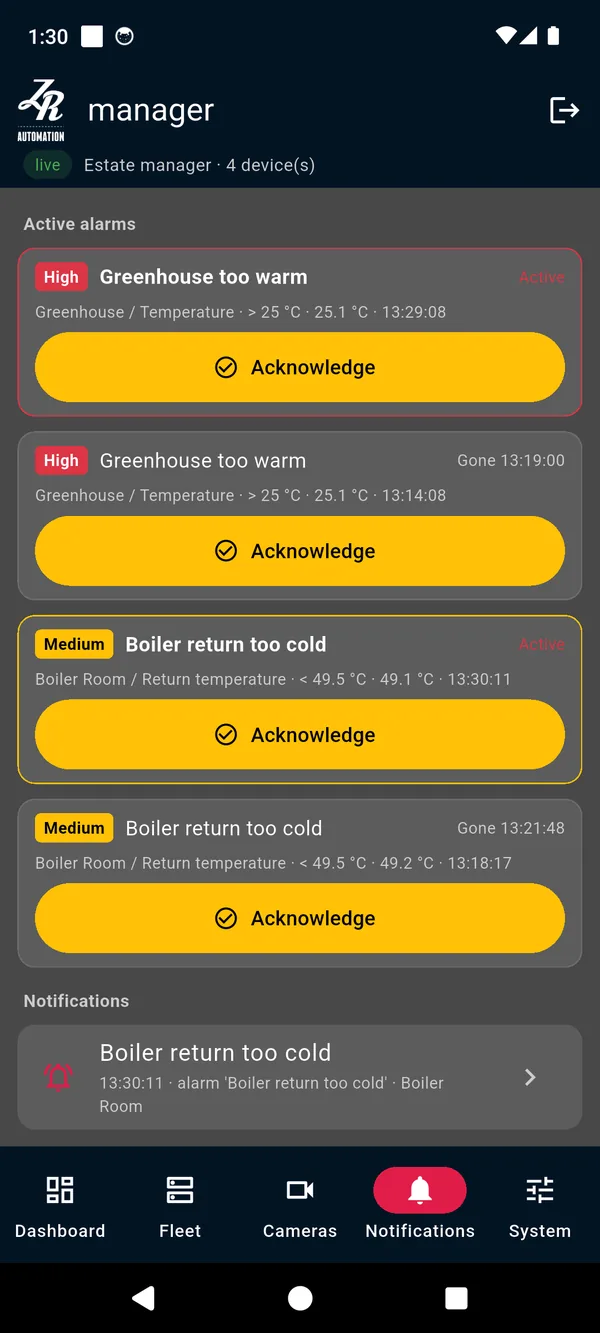
The mobile app shows the site on a phone, through remote access, and tells the phone about alarms.
Look before you have a site. One tap on the app's setup screen opens a built-in demo: devices, dashboards, scenarios and the log, all answered from inside the app. Nothing is sent anywhere and no account is needed.
Watch it do its job